Open Source AI Models for Developers: A Practical Comparison


Running AI models locally means no API costs, no rate limits, and no sending proprietary code to third-party servers. But the open-source model landscape is crowded, and picking the right model for your use case saves hours of experimentation. Here’s what I’ve found after testing the major options on real development tasks.
The Contenders
I focused on models that are practical for individual developers — meaning they can run on consumer hardware (16-64GB RAM, optionally a GPU). The models tested:
- Llama 3.1 70B / 8B — Meta’s general-purpose model family
- Mistral Large / Mistral 7B — Strong European contender with great instruction following
- CodeLlama 34B — Meta’s code-specialized model
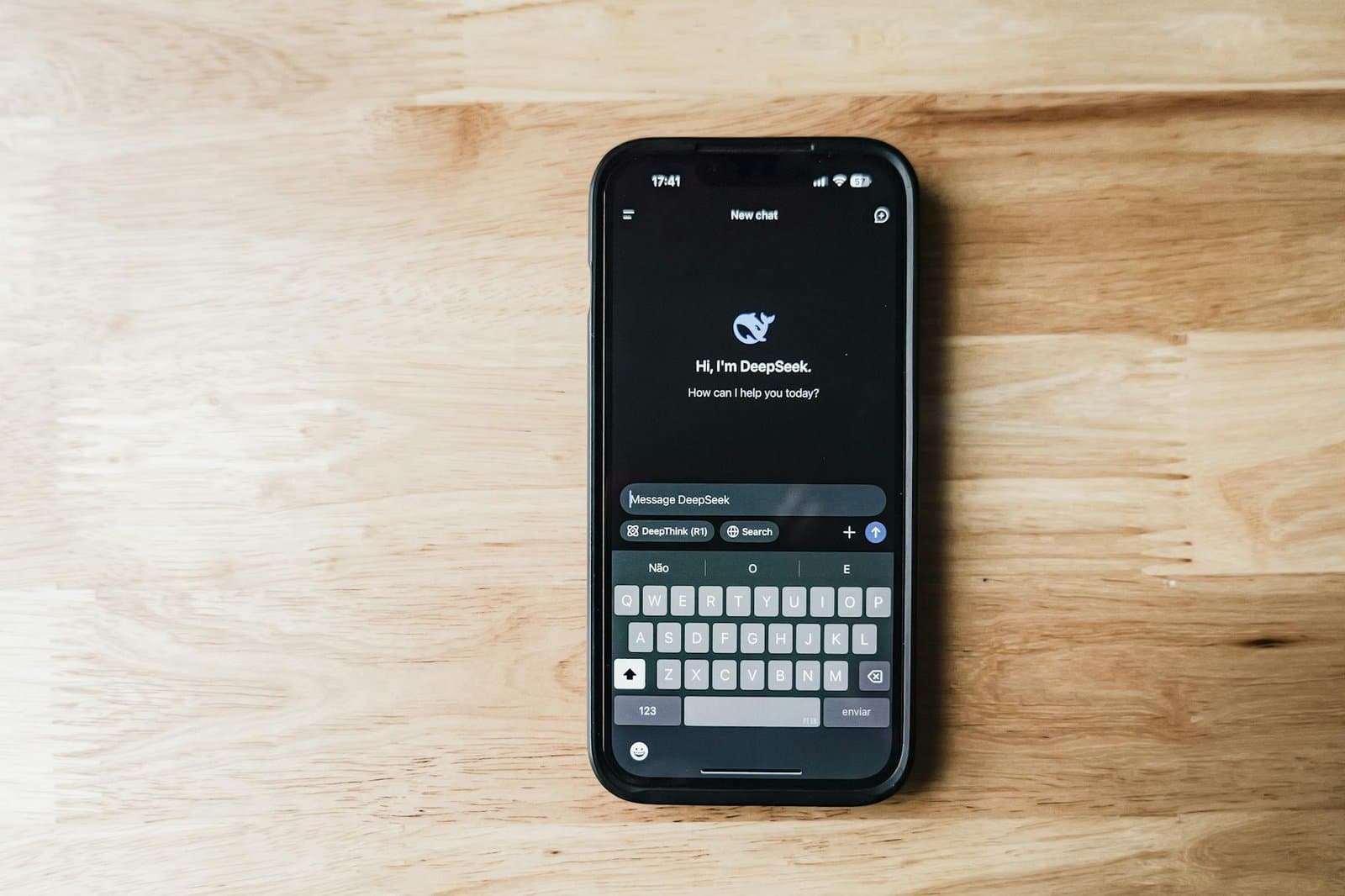
- DeepSeek Coder V2 — Purpose-built for code with MoE architecture
- Phi-3 Medium (14B) — Microsoft’s surprisingly capable small model
Benchmarks That Matter for Developers
Standard benchmarks (MMLU, HellaSwag) don’t tell you much about code quality. I tested with tasks developers actually do:
- Function generation — given a docstring and type signature, write the implementation
- Bug detection — find and fix the bug in a 50-line function
- Code explanation — explain what a complex function does in plain English
- Refactoring — convert a class component to a functional React component with hooks
- Test writing — generate unit tests for an existing function
Results varied significantly by task type. No single model won across the board.
Code Generation: DeepSeek Coder Leads
For pure code generation, DeepSeek Coder V2 consistently produced the cleanest output. It handles TypeScript particularly well, generates proper type annotations, and rarely produces code that doesn’t compile. On the HumanEval benchmark, it scores competitively with GPT-4-class models.
Llama 3.1 70B is a close second — it’s more versatile (better at explaining its code) but occasionally produces slightly less idiomatic output.
Bug Detection: Llama 3.1 70B Wins
Finding bugs requires reasoning about program behavior, and Llama 3.1 70B excels here. It correctly identified off-by-one errors, null reference issues, and race conditions that smaller models missed entirely. The 8B version catches obvious bugs but struggles with subtle logic errors.
Resource Requirements
This is where reality sets in. Here’s what you actually need to run each model:
| Model | Parameters | RAM (quantized) | Speed (tokens/s)* |
| Phi-3 Medium | 14B | ~10 GB | ~35 t/s |
| Mistral 7B | 7B | ~6 GB | ~50 t/s |
| Llama 3.1 8B | 8B | ~6 GB | ~45 t/s |
| CodeLlama 34B | 34B | ~20 GB | ~15 t/s |
| DeepSeek Coder V2 | 16B active (236B total) | ~16 GB | ~25 t/s |
| Llama 3.1 70B | 70B | ~42 GB | ~8 t/s |
*Approximate on M-series Mac with llama.cpp, Q4_K_M quantization.
Phi-3 at 14B is the surprise performer — it punches well above its weight for code tasks and runs fast on modest hardware. If you have a MacBook Pro with 16GB RAM, Phi-3 and Mistral 7B are your best options.
Running Locally: The Stack
My local setup uses Ollama for model management. It handles downloading, quantization, and serving models behind a simple API:
# Install and run a model
ollama pull deepseek-coder-v2
ollama run deepseek-coder-v2

# Or use the API
curl http://localhost:11434/api/generate -d '{
  "model": "deepseek-coder-v2",
  "prompt": "Write a TypeScript function that debounces async functions",
  "stream": false
}'
For VS Code integration, Continue.dev connects to Ollama and provides autocomplete and chat using your local models. The latency is acceptable for chat (1-2 second first-token) but autocomplete needs a fast model like Phi-3 or Mistral 7B to feel responsive.
Fine-Tuning for Your Codebase
The real power of open-source models is fine-tuning on your own code. Using QLoRA (quantized low-rank adaptation), you can fine-tune a 7B model on a single GPU:
# Training data format: pairs of instruction + code from your codebase
{"instruction": "Create a new API endpoint for user profiles",
 "output": "// Your codebase's actual pattern for API endpoints..."}

# Fine-tune with unsloth (fastest option)
from unsloth import FastLanguageModel

model, tokenizer = FastLanguageModel.from_pretrained(
    model_name="mistralai/Mistral-7B-v0.3",
    max_seq_length=4096,
    load_in_4bit=True,
)

model = FastLanguageModel.get_peft_model(
    model,
    r=16,
    lora_alpha=16,
    target_modules=["q_proj", "k_proj", "v_proj", "o_proj"],
)
A fine-tuned Mistral 7B on your codebase’s patterns consistently outperforms a generic 70B model for project-specific tasks. It knows your naming conventions, your API patterns, your error handling style.
My Recommendations
- Best overall for coding: DeepSeek Coder V2 — best code quality with reasonable resource needs
- Best for limited hardware: Phi-3 Medium — remarkable quality for 14B parameters
- Best for code + explanation: Llama 3.1 70B — if you have the RAM, it does everything well
- Best for fine-tuning: Mistral 7B — great base model, fast training, strong community
- Best for autocomplete: Llama 3.1 8B or Mistral 7B — fast enough for real-time suggestions
The gap between open-source and proprietary models has narrowed dramatically. For most day-to-day coding tasks — autocomplete, test generation, refactoring — a local model handles it fine. I still use cloud APIs for complex multi-file reasoning, but that’s a shrinking category.

Written by
Adrian Saycon
A developer with a passion for emerging technologies, Adrian Saycon focuses on transforming the latest tech trends into great, functional products.